

Keyboard Navigation
So you want to learn more about keyboard navigation?
Well, you’ve come to the right place!
This resource guide is intended to help you learn the basics of keyboard navigation, and help you better understand what makes your your digital spaces are keyboard navigable.
Could you navigate your website without the use of a computer mouse?
Many individuals rely on the use of keyboard navigation in order to navigate digital spaces. This includes:
Individuals with motor and dexterity challenges
Individuals with vision-related disabilities
Individuals who utilize screen readers which they operate with stand keyboard commands
Individuals with chronic conditions such as Repetitive Strain Injury (RSI)
Individuals who are experiencing temporary motor and dexterity challenges, such as someone who has broken their wrist
So, what exactly is keyboard navigation?
Keyboard Navigation is arguably one of the most important accessibility functions and standards for conformance, because it helps to ensure that individuals using a wide range of accessibility and assistive technology needs can navigate your content, and activate all of the functions and interactive elements that mouse users can.
This means relying on the use of a keyboard alone in order to navigate the links, buttons, forms, menus, audio and video controls, and every other interactive element on your website.
Keyboard Navigation Essentials
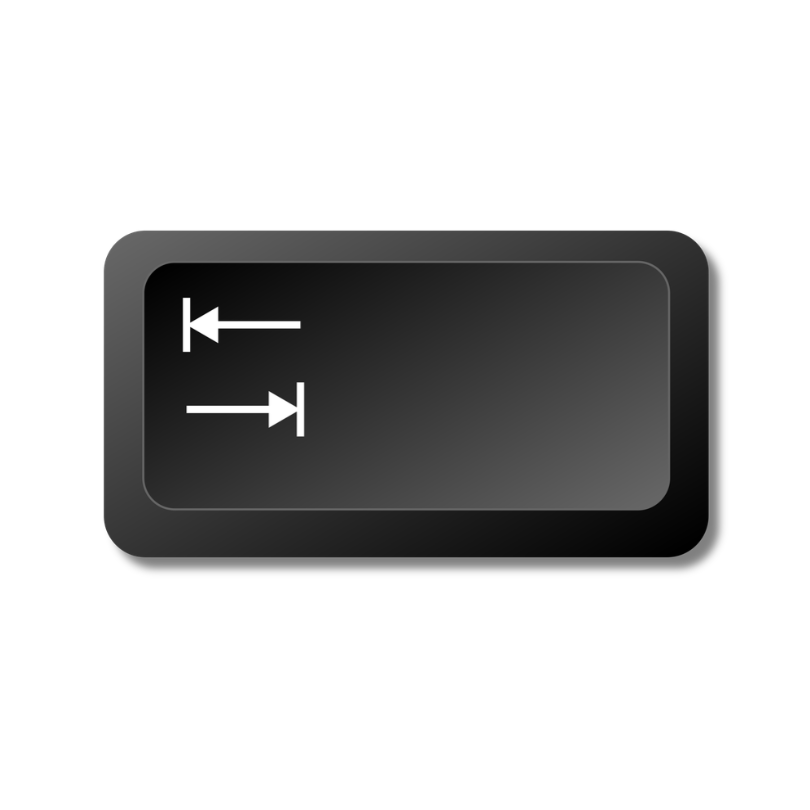
The Tab Key is used to navigate down the webpage, jumping from one interactive element to another.
The Tab Key
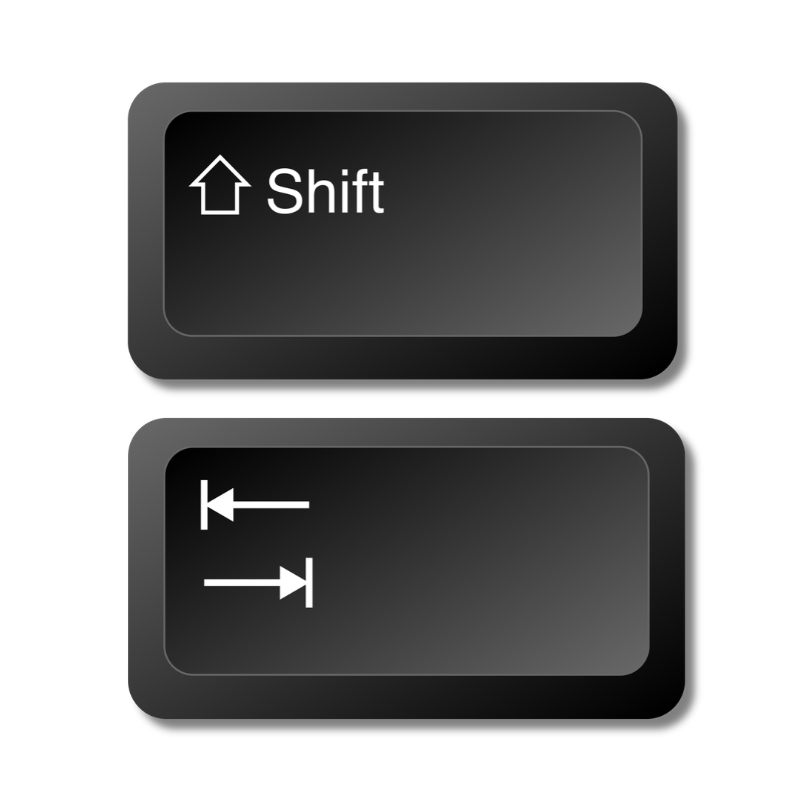
The Shift + Tab Keys are used to navigate backward, moving the opposite way as the Tab key.
The Shift + Tab Keys
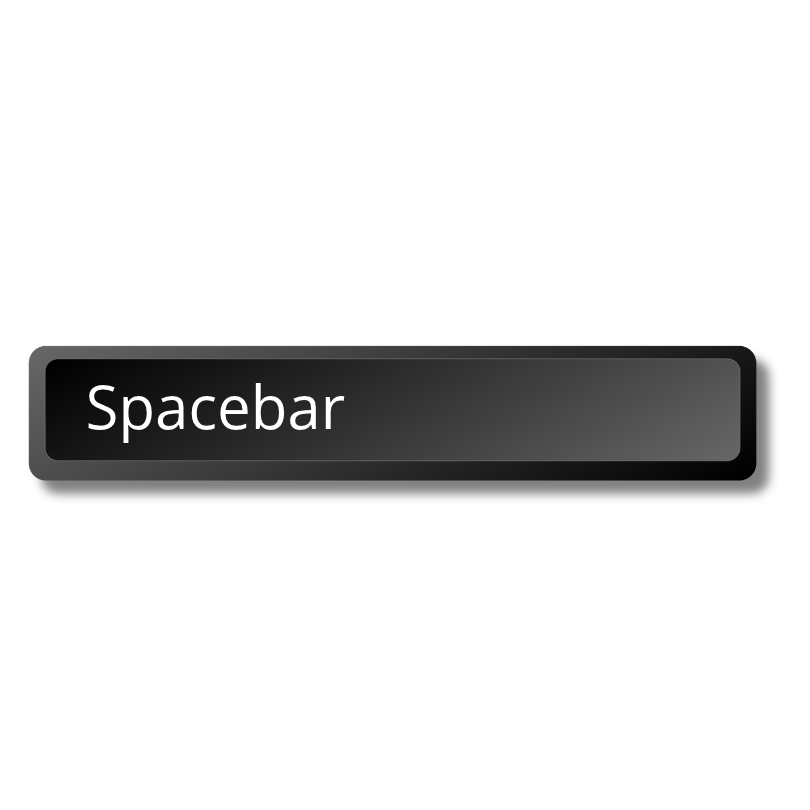
The Spacebar Key is used to select checkboxes and radio boxes, often found in forms.
The Spacebar
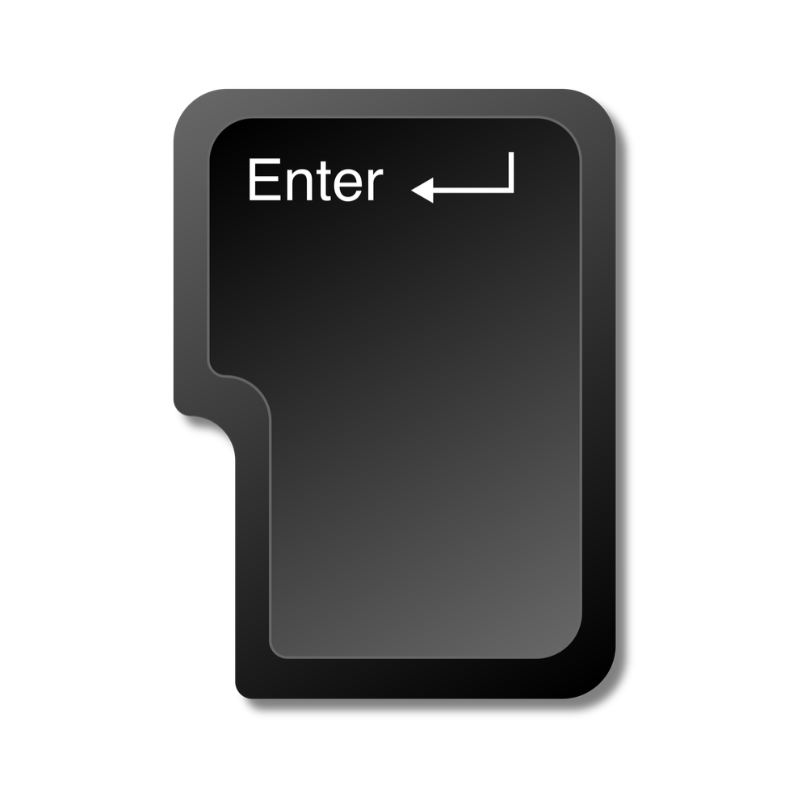
The Enter/Return Key is used to select links and buttons.
The Enter or Return Key
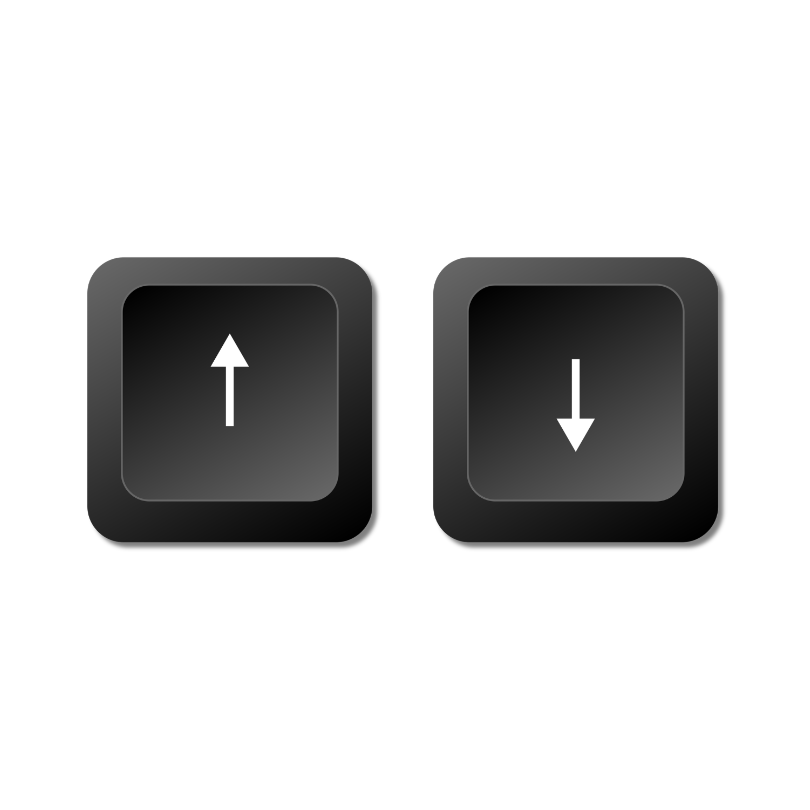
The Up and Down Arrow Keys are used to navigate through dropdowns and menu boxes, often used in forms.
The Up and Down Arrow Keys
Common Keyboard Navigation Issues
-
-
-
-
Item description
-
-
-
Item description

Ready to Learn More?
Ready to move dive in, and learn how to create more accessible digital content for everyone?
Check out our interactive, hands-on Introduction to Digital Accessibility workshop.